

 From $2.64Shipping $1.99
All categoriesWatchesPocket & Fob Watches
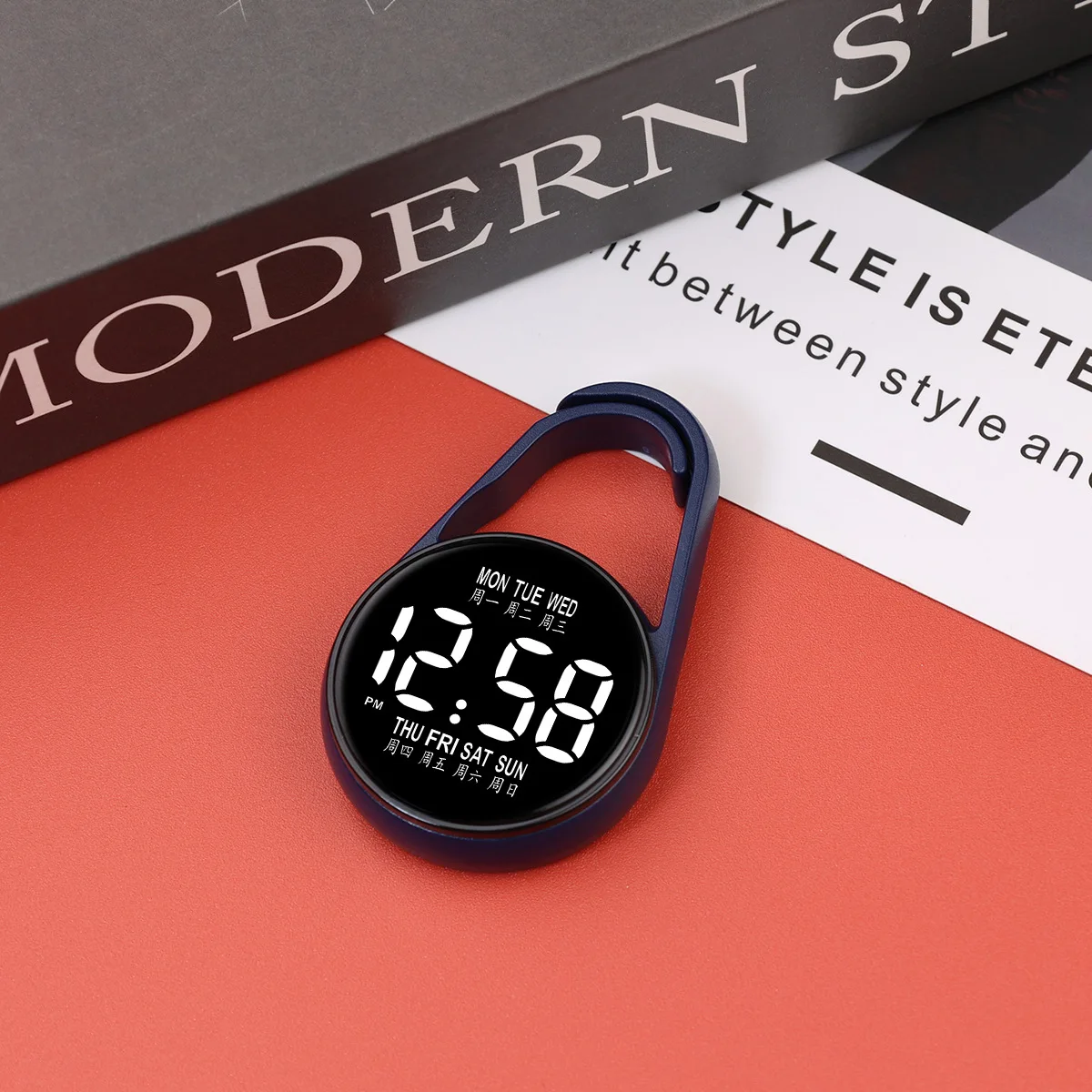
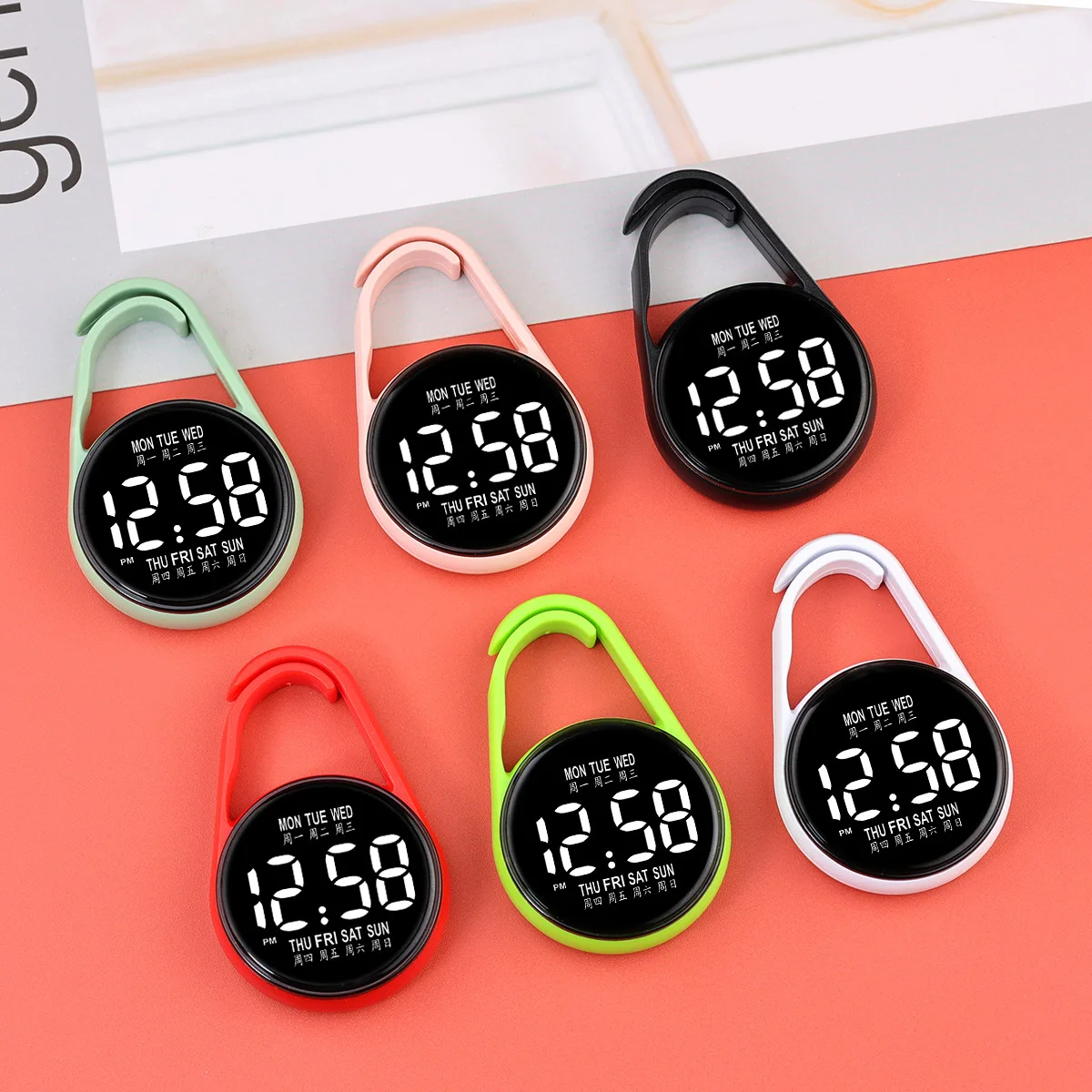
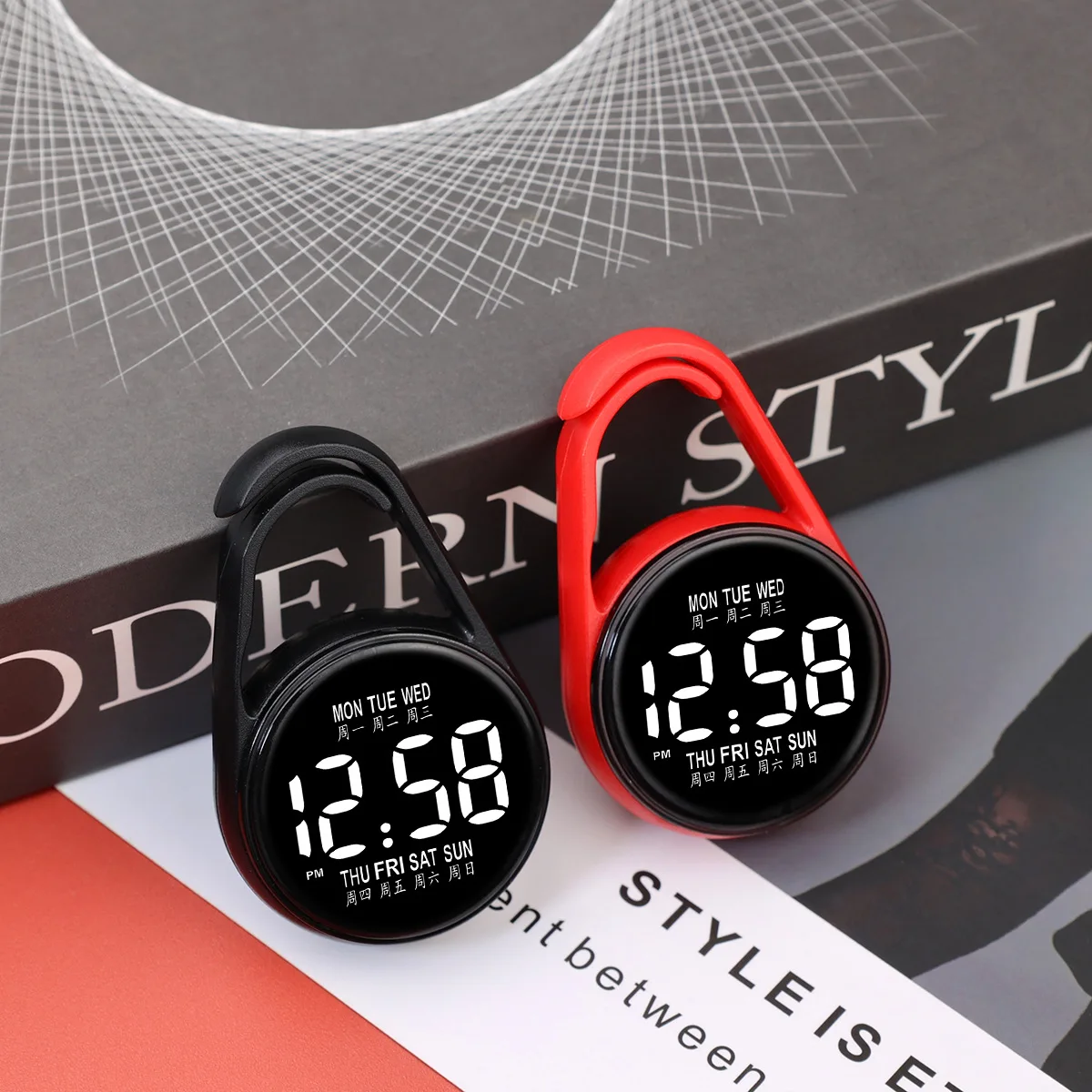
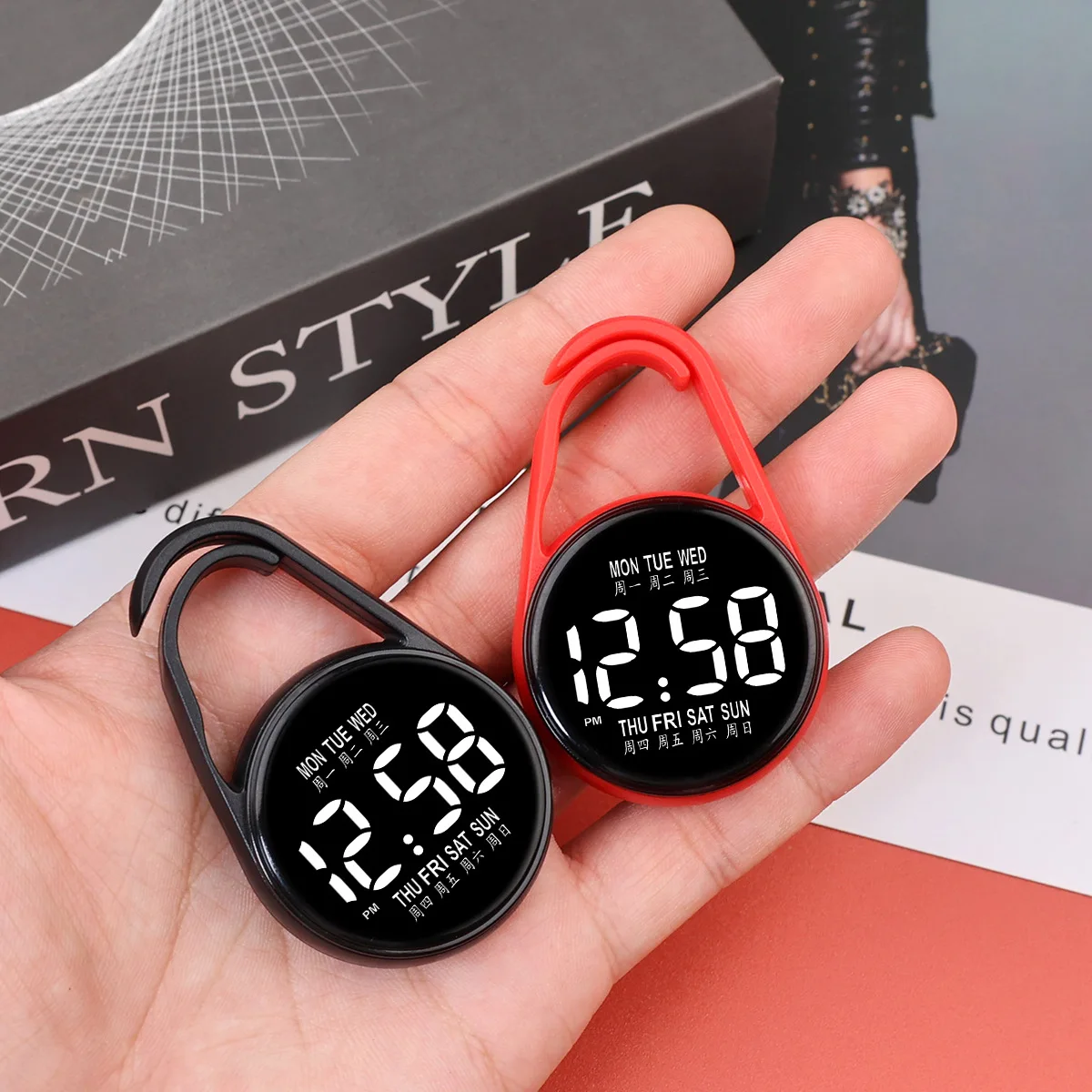
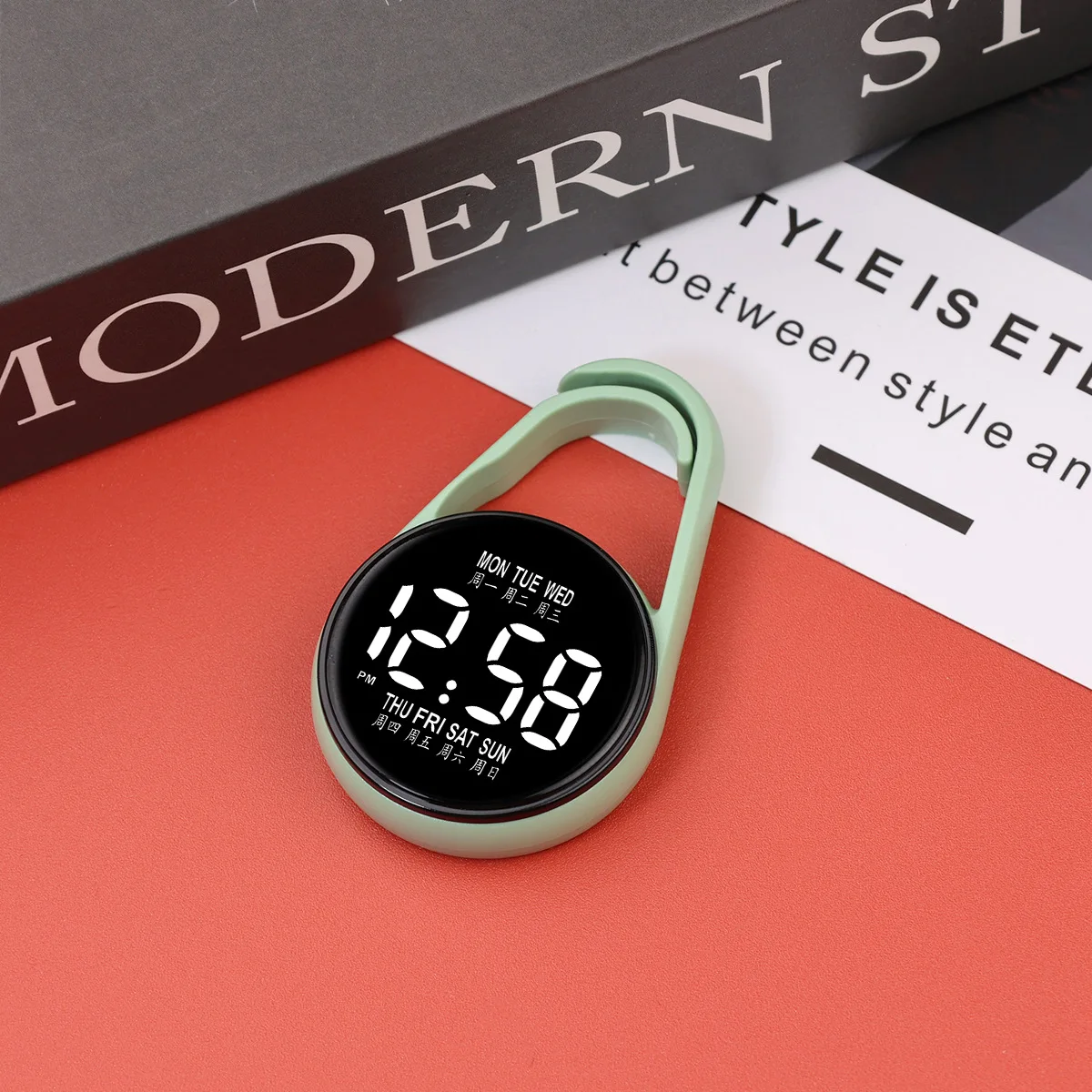
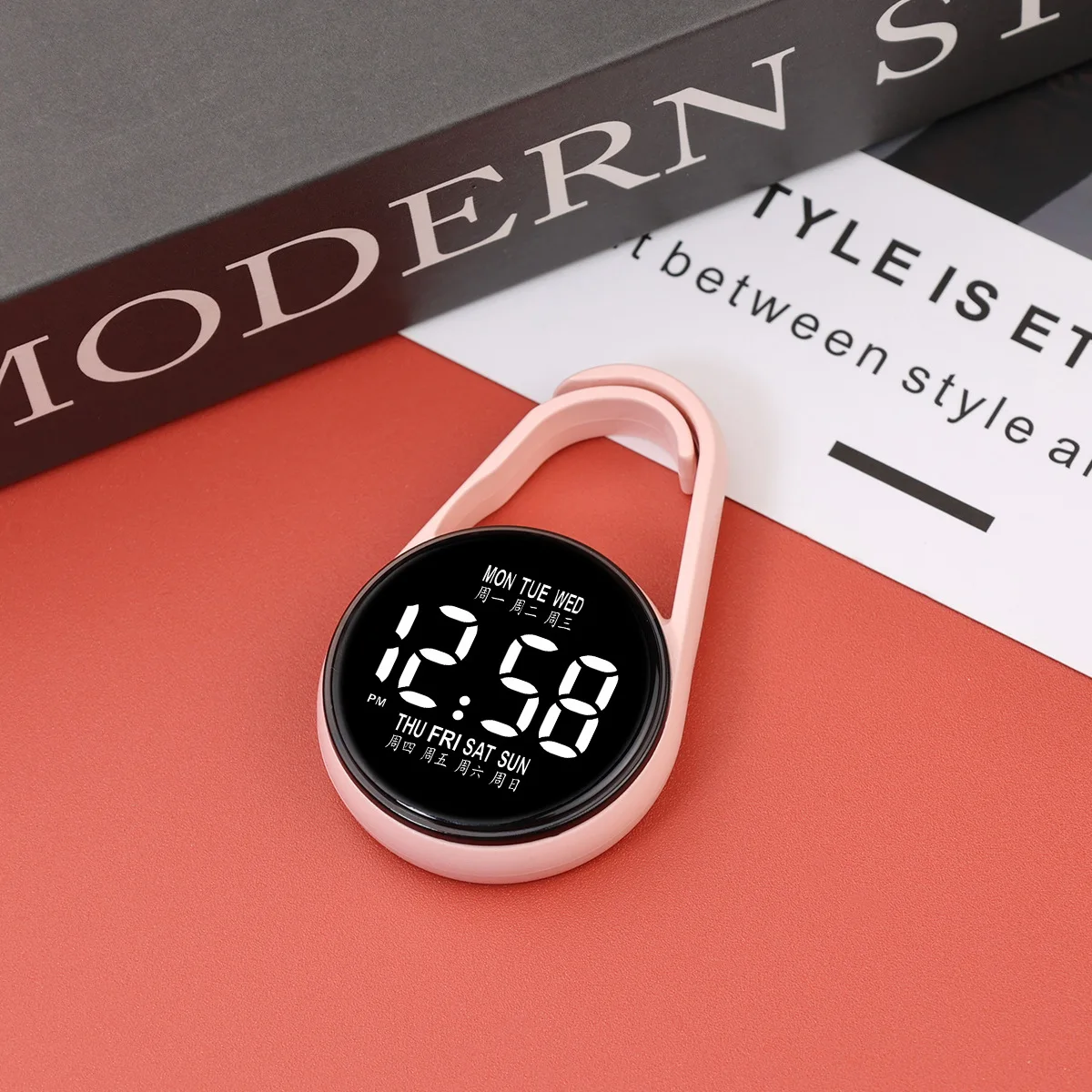
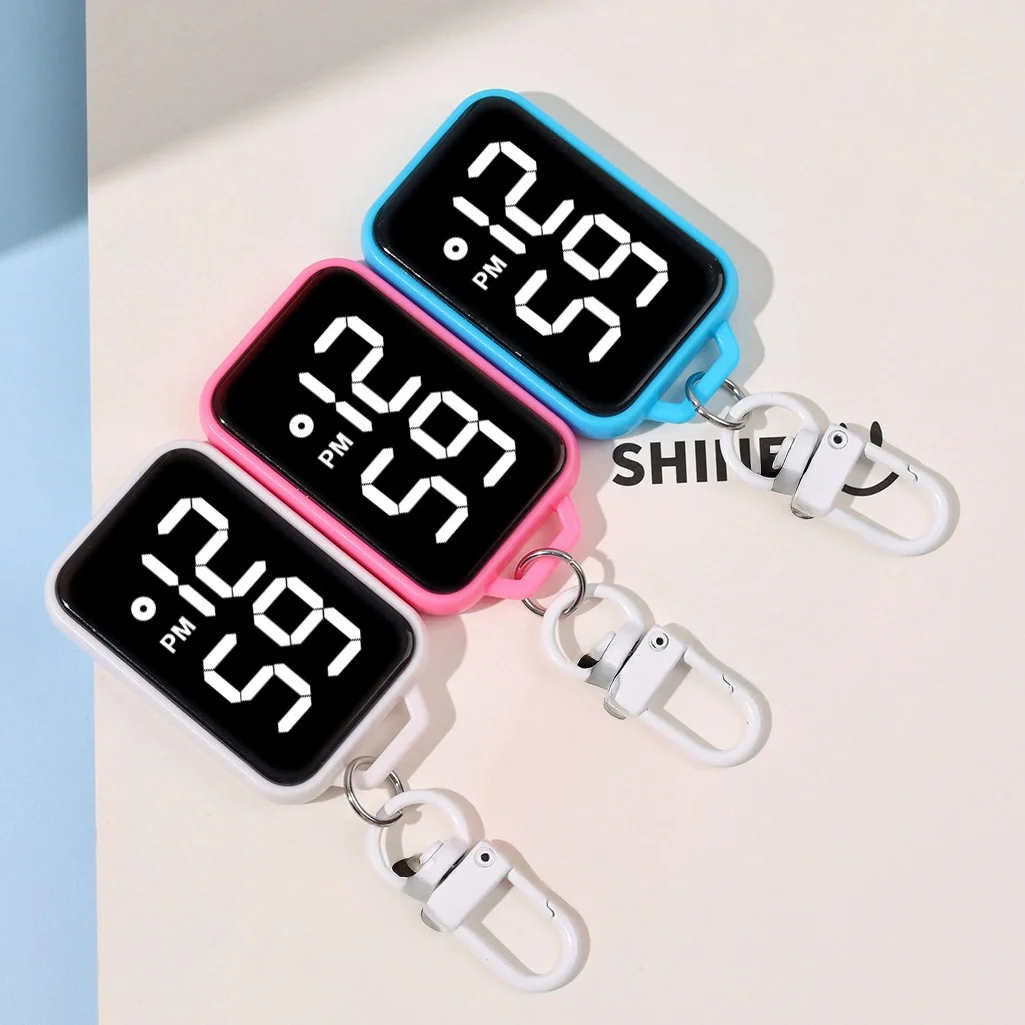
LED Electronic Hanging Watch Night Light Digital Electronic Hanging Watch Pocket Watch
4.4 2,908 ratingsColorDark Blue
LED watch settings 1、 Function Overview Adopting a 12 hour clock system, it can display time, year, and date; Equipped with touch control buttons, the screen automatically shuts down after 3 seconds of inactivity. 2、 Setting Steps 1. Display switching • Touch the touch button once → light up to display time; Touch again → Display date. 2. Time adjustment (hour → minute) Long press the button for a few seconds → the hour number jumps; • Touch the button (one touch adds one hour) → Adjust to the target hour; After setting the hour, long press the button again for a few seconds → the minute number jumps; • Touch the button (touch once for one minute) → Adjust to the target minute. 3. Date adjustment (year → month) After adjusting the time, long press the button for a few seconds → the year number jumps; • Touch the button (one touch adds one year) → Adjust to the target year; After adjusting the year, long press the button for a few seconds → the month number jumps; Touch the button (one touch adds one month) → Adjust to the target month. 3、 Precautions 1. Timing adjustment: When switching adjustment items, it is necessary to operate when the lights are flashing; If the light goes out, it needs to be readjusted. 2. Test light phenomenon: Before the light is turned on/off, 18:88 will be displayed, which is a test light function (to check if the LED is damaged) and is a normal phenomenon.
Might also like
From $2.64Shipping $1.99 $2.60Shipping $1.99
 $4.13Shipping $1.99
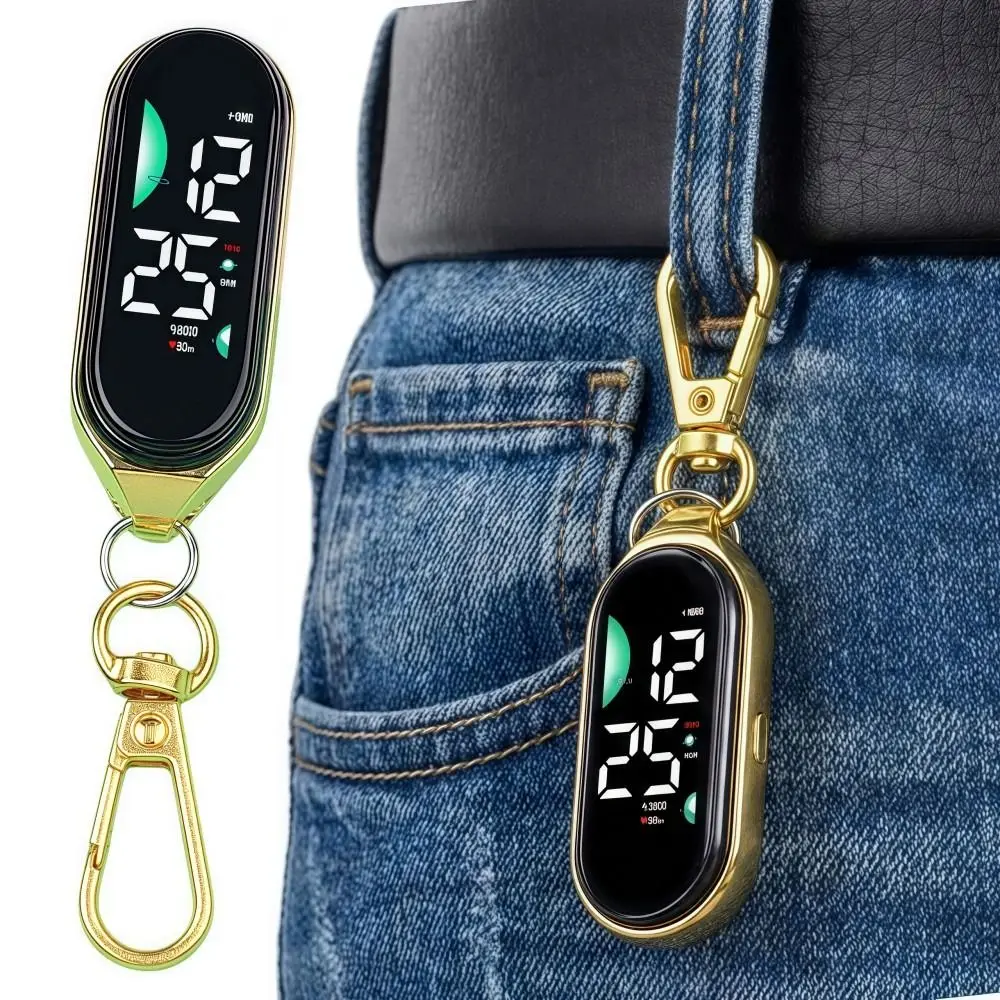 From $2.67Shipping $1.99
 $3.77Shipping $1.99
 $4.14Shipping $1.99
 $4.18Shipping $1.99
 From $5.26Shipping $1.99